
IMPORTANT: You will need to have an existing AWeber account to complete this integration.
You can check secure an AWeber account for your email automations here:
https://www.aweber.com
- 1Login to your Platform Account here: Your Platform Creator Dashboard Account.
- 2Navigate to "App Settings" then click "Marketing" tab/button
- 3Select AWeber Email Integration from the list of options
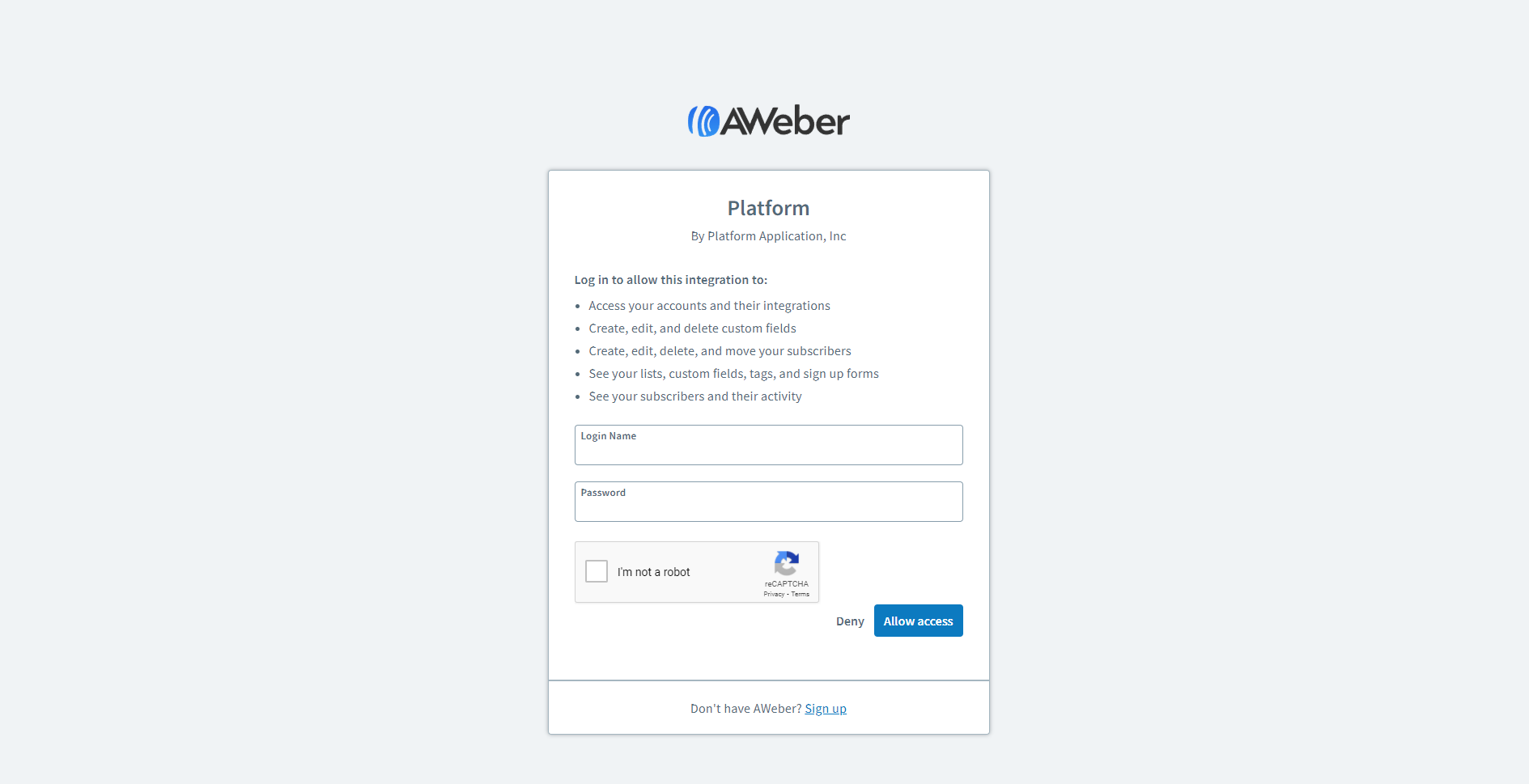
- 4Enter your AWeber Login Credentials into the form that is presented, this will connect the Platform/AWeber integration.
- 5Next, Select the AWeber List that you want your contacts/members who signup or are imported to your Platform to be sent to in AWeber. This can be done, by clicking the dropdown input field under the integration list. The dropdown will expose all of your AWeber lists in your AWeber account. Once your desired list is selected. Click "Save" button.
- 6Test Your Integration add a member to your Platform account from the members tab, and verify that the contact info has been imported into your AWeber account, and is associated with the correct list.
- 7Congrats!! Give yourself a pat on the back! You have just successfully connected your Platform to AWeber, and can start making backend sales by remarketing to your members.


